
 Revix
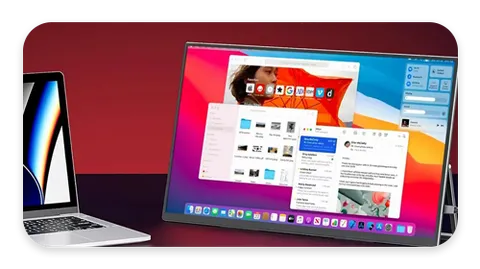
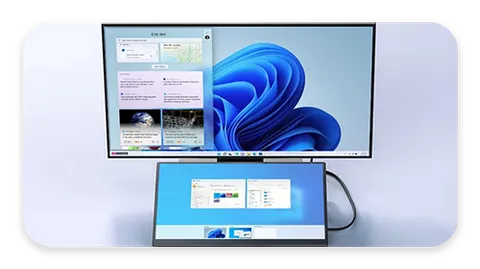
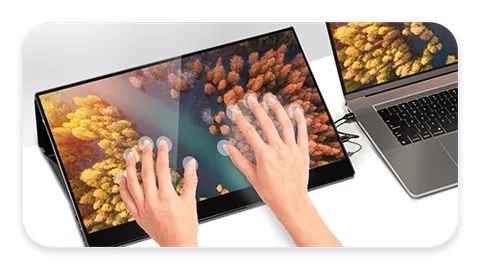
USB-C, HDMI and power
A single USB-C cable is possible only when the source port supports video and supplies enough power. HDMI carries video but normally needs a separate USB power connection. Check cables and port standards on both devices.
5개 상품US$78.95–US$264.954.6 (리뷰 25개)
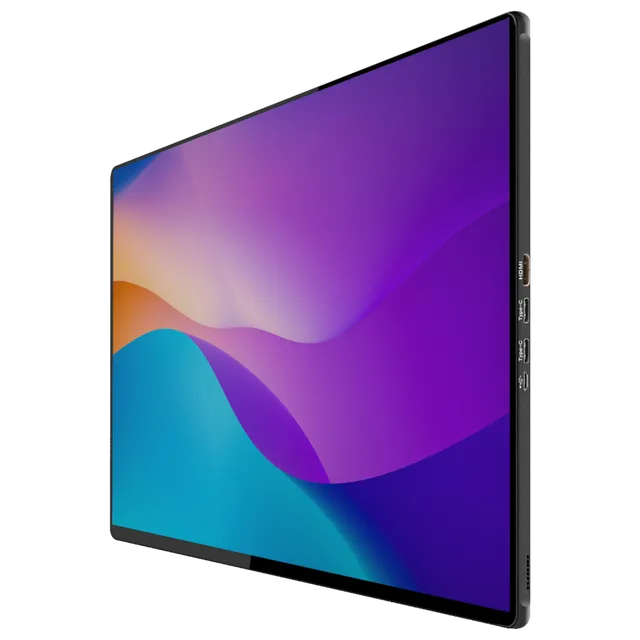
A portable monitor is a slim external display designed for travel, flexible desks and compact gaming setups. It can add a second screen to a laptop, enlarge a handheld gaming PC workspace or provide a temporary display for a mini PC.
DROIX portable displays cover USB-C and HDMI connectivity, touch and non-touch panels, different resolutions and gaming-focused refresh rates. Before buying, confirm that your source device supports video over USB-C or use HDMI, and check whether the monitor needs separate power for full brightness and features.
Balance workspace against portability: a larger panel is easier to use at a desk but takes more bag space. A protective cover or stand, compatible cable and suitable charger are part of the travel setup. Touch input, speakers, adaptive sync and high refresh rates are model-specific, so use the comparison and exact specifications rather than the screen resolution alone. Cable capability can be just as important as the connector shape.
Compact, versatile portable monitor displays for productivity and entertainment on the go. Whether you're working remotely, presenting to clients, or gaming from your handheld PC, a portable second screen from DROIX enhances your setup anytime, anywhere.
| Best for | Connection | Resolution focus | Touch | Price band |
|---|---|---|---|---|
| Laptop second screen | USB-C or HDMI | 1080p or 2K | Optional | Entry to mid-range |
| Handheld PC gaming | USB-C DisplayPort or HDMI | 1080p/2K with suitable refresh rate | Optional | Mid-range |
| Creative detail and desktop use | USB-C or HDMI | 2K or 4K | Optional | Mid-range to premium |
| Touch workflows and presentations | USB-C plus compatible touch data path | 1080p to 4K | Yes | Mid-range to premium |
A single USB-C cable is possible only when the source port supports video and supplies enough power. HDMI carries video but normally needs a separate USB power connection. Check cables and port standards on both devices.
1080p is efficient and practical for travel; 2K and 4K add workspace and detail but require more graphics power. For gaming, match refresh rate and adaptive-sync support to the handheld or mini PC output.
AYANEO의 전문 컴퓨팅 경력은 12년 이상입니다. 지역별 매장에서는 지역별 가격과 세금 정보를 보여 드리며, 주문 전에 상품별 보증, 배송 및 지원 정보를 확인하실 수 있습니다.
Part of DROIX.store
Choose a size and weight you will carry, a resolution suited to your work and a connection your laptop supports. USB-C video and power can make the setup much simpler.
Yes, when the handheld supports compatible USB-C video output or HDMI through a dock or adapter. Confirm output resolution, refresh rate and power requirements.
Some can receive video and power from one compatible USB-C port. Higher brightness, touch or demanding modes may require a second USB power connection.
No. Video support does not automatically include touch data. Check operating-system support and whether the connection carries both video and USB touch input.
1080p offers good efficiency, 2K balances detail and performance, and 4K suits high-detail work when the source device can drive it comfortably.
Yes. HDMI is the most universal connection, while compatible USB-C ports can reduce cable clutter. The mini PC still needs its own keyboard and pointing device.